
| Purpose & Benefits |
|---|
| This function lets you enter TASBooks Assemblies to be built (rather than BoM Assembly Builds, which are processed through Works Orders via the Manufacture feature), together with their dates and quantities. If you select a warehouse which has not previously held any stock of a particular assembly and/or part, the product record(s) for the warehouse concerned are created automatically based on the defaults you set up, e.g. NL Department. |
If you have the Trade option enabled you can select the Warehouse stock location which holds the finished assemblies and their parts, as shown in this screenshot:
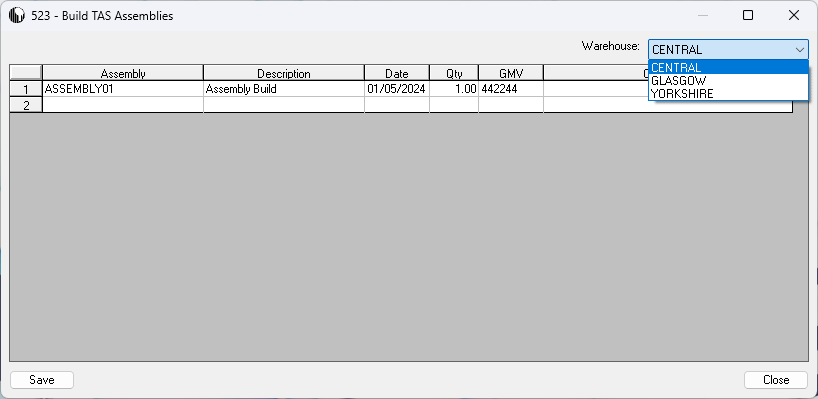
When you have entered all the data you need, click the Save button to post the stock transactions and update the TAS Nominal Ledger with the values.