| Purpose & Benefits |
|---|
| This function lets you select and print/email Acknowledgements for orders (or invoices) created in the Sales Order Processing system. You can select a number of non-sequential orders to process, view up to 20 extra columns of information whilst making your selections and have up to 400 standard fields of information available to customise your documents, as well as formula fields for special calculations. |
The program displays all outstanding Orders from your TASBooks data and displays them in the grid.
There is also an option at the top to create Acknowledgements from Invoices (instead of orders) if desired.
See the Document Processing page for details of how to use this function.
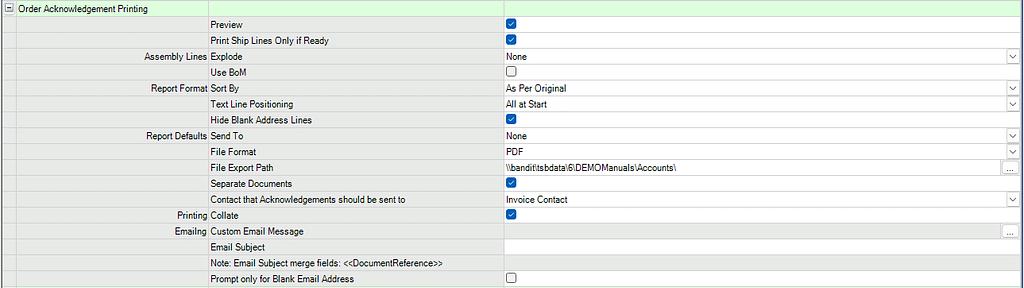
It has it’s own set of settings in program 0.1.1 which allow you to set the default values of many of the Report Options (for example – always set the default Send To value to PDF, saving a copy of the document produced to a specific folder on your server computer rather than the default TASBooks data folder).