| Purpose & Benefits |
|---|
| This function lets you import Received Goods Movements into TASBooks files from ASCII CSV text files created by third party software, thus saving the considerable time and effort involved in receiving those orders manually. |
Important
The file containing the records for import must be output from your third party software or spreadsheet as a CSV file and stored in an accessible folder. There is no fixed filename for this import. The order, format and size of the fields/columns for each record are critical for the import to succeed. Full details of the current file specifications, which must be used to output your data from your third party software, are documented separately in TAS Data Transfer File Specs which you can obtain from the Infoplex website, together with a TAS Data Transfer Toolkit containing sample files. It is crucial that you and/or your third party software provider follow these specifications. The specifications also give you useful information about how the program behaves if the import file contains blank or invalid data in the various fields/columns.
Ensure the import file is located an accessible folder that you can browse on opening the program.
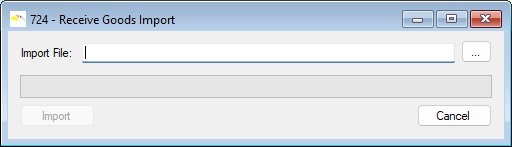
Click the […] button to browse to the file to be processed:
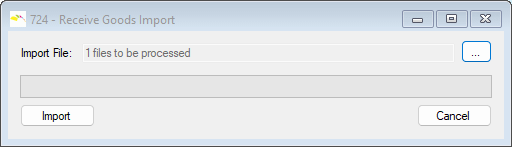
To continue, click the Import button and the import run starts.
The progress bar shows that the import run is complete:
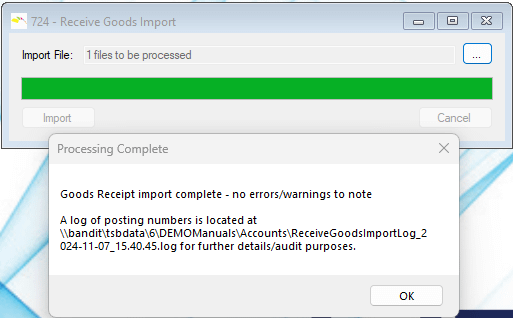
Click the OK button. The import file is renamed to help prevent processing twice by mistake and the LOG file is assigned a corresponding name, detailed in the message box.
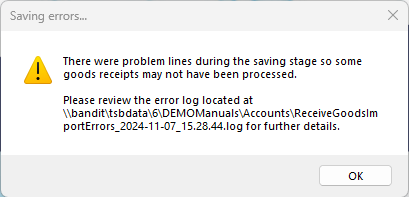
If any errors were detected during processing, you receive a different message and are directed to the log file for full details.