
| Purpose & Benefits |
|---|
| Use this function to enquire on the Product mappings set up for a selected customer in TAS; you can do this in two ways – by Customer or by Product. So you can easily find products for a specific Customer or find your Customers’ product codes (part numbers) for a specific TAS Product. |
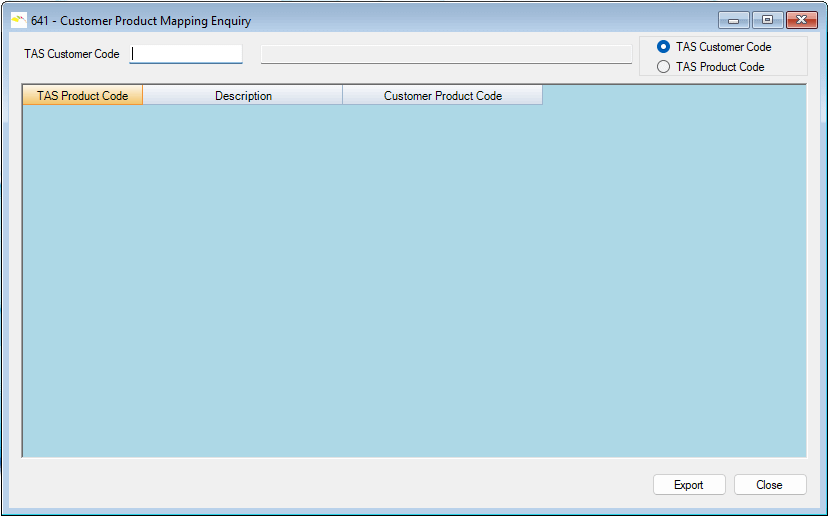
With a Search by TAS Customer Code select the customer code; you may also use the standard Navigation Function keys to search the files. Press the Tab key to accept and any Product mappings are displayed in the grid:
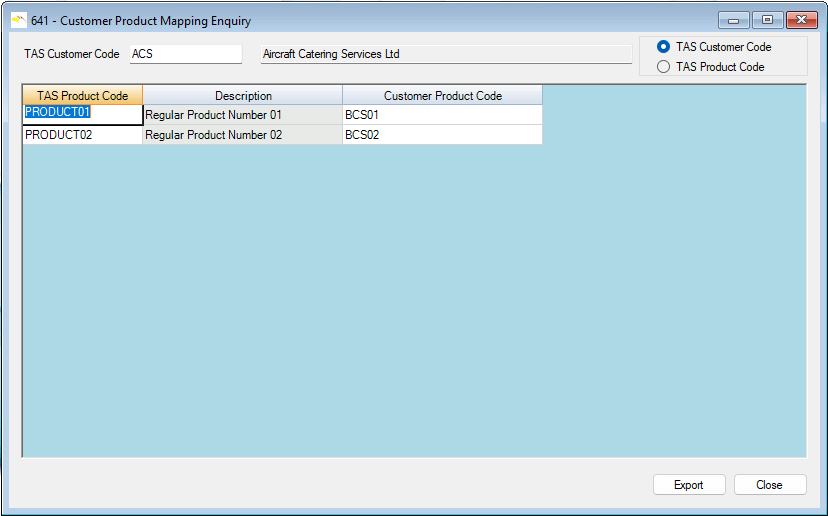
Use the standard F3 function to clear the form for fresh customer selection
Click the Exit or X close button to exit the function and return to the main menu form.
Search by TAS Product Code
Search by TAS Product Code works exactly the same way. Select the Product Code; you may also use the standard Navigation Function keys to search the files.
Press the Tab key to accept and any Customers’ mappings for that TAS product are displayed in the grid.